A MESSAGE IS A FIRST STEP
Text Chat with Women, at Your Own Pace
Browse a profile and start with a written hello. Choose video later when you want a face-to-face conversation.
For existing conversations
18+ · Free to start · Paid features available
Make Your First Message Your Own
A short introduction can be enough. Choose an opening idea, edit it in your own words and copy it when you are ready to use the messaging experience.
This box prepares a draft. It does not send a message or start a conversation.
Use these ideas as a starting point, not a script. If you mention something from a profile, refer only to what the person has actually chosen to share.
Start with the Profile, Then Say Hello
Photos, available clips and posts can give you context before you reach out. They are an introduction, not a guarantee that someone is online or will reply.
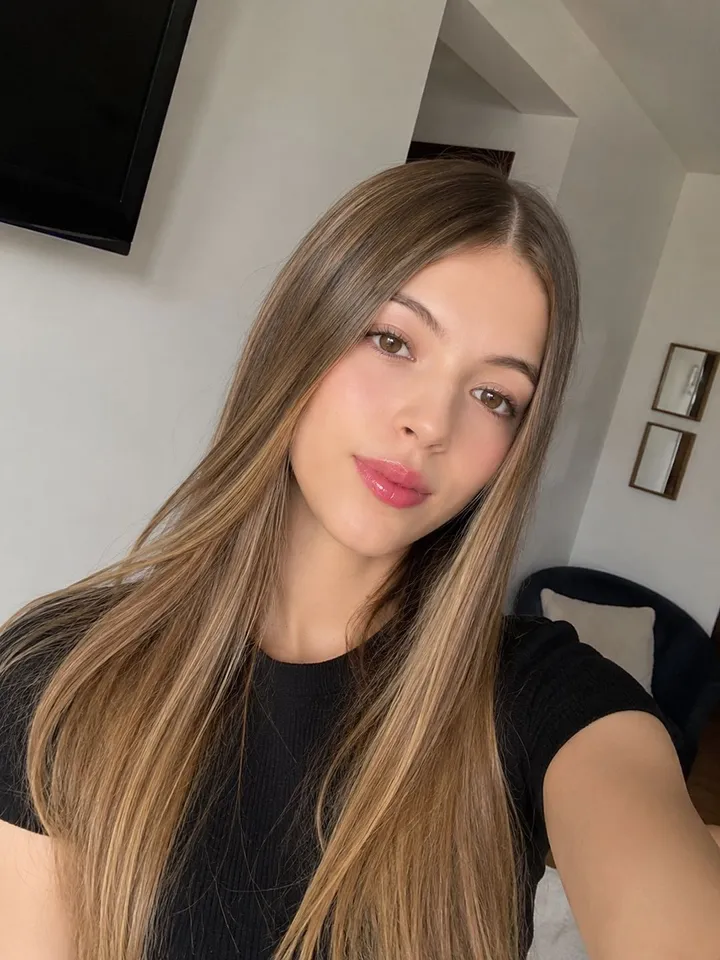
- 01
Look at What Is Available
Browse the profile content the person has chosen to share. Use it to decide whether you would like to approach her, without guessing private details from a photo.
- 02
Open the Messaging Option
Use the message option available from the profile. Complete any account or sign-in steps shown for that feature.
- 03
Send a Thoughtful Introduction
Keep the first message brief and respectful. Give the other person time to respond rather than sending repeated messages or assuming a reply is owed.
Choose Video When You Want to Talk Face to Face
Text gives you a written introduction. Video adds a live camera and microphone connection when both people are ready to connect.
A message does not automatically begin a call. Choose the video option separately and follow the prompts shown by the product. The conversation starts when the other person connects.
- Text
Write and respond through the messaging experience. Sending a message does not require turning on your camera.
- Video
Use the camera and microphone for a live one-on-one conversation when the other person connects.
Text
Hi! How’s your day going?
Video
Set Comfortable Expectations Before You Send
A Reply Is a Choice
A person may be unavailable or choose not to respond. A visible profile, clip or message option does not guarantee a reply. Leave room for the other person to decide whether to engage.
Keep Personal Details Out of a First Message
Avoid putting your address, workplace, passwords or payment information into an introduction. You do not need to move to another service or share private contact details to begin a conversation here.
Check the Terms of Paid Actions
PinkVideoChat is free to start. Messaging access and some continued use may involve paid features, as shown in the product. Read the current offer or balance information before choosing a paid action.
Questions About Text Chat on PinkVideoChat
Is this random anonymous text matching?
This page describes profile-based one-on-one messaging with women. It does not promise an anonymous random text room.
How do I start a new message?
Browse women’s profiles, open a profile and use the available messaging option. Follow any account or sign-in steps shown by the product.
Do I need camera access to send a message?
Text messaging itself does not use your camera. A later video call can require camera and microphone permission.
Will sending a message start a video call?
No. Messaging and video are separate choices. Choose the video option when you want a face-to-face conversation, and begin when the other person connects.
Can I continue an existing conversation?
Open Messages and follow the access steps shown in the product. Conversation availability can depend on your account and session; do not assume a guest visit preserves every message.
Are all messages unlimited and free?
No unlimited-free promise is made. Starting access and paid actions are defined by the product’s current prompts and offers. Check them before choosing a paid feature.
Does the draft box send my message?
No. It helps you prepare and copy an introduction. To send a message, open the actual messaging option from a profile.
Begin with a Simple Hello
Browse profiles and find someone you would like to message. You can decide about video later.